Bluetooth headphones and wireless adapters add 100 to 200 milliseconds of latency, causing noticeable lip-sync delay in games and movies. Connecting your phone to your computer via USB tethering with CastSound drops latency to under 10ms, delivering instant, cable-speed audio.


Prepare
Put your devices on the same network
Plug your phone into your computer using a standard USB data cable. On Android, toggle USB tethering in Settings; on iPhone, enable Personal Hotspot and tap Trust This Computer.
Connect
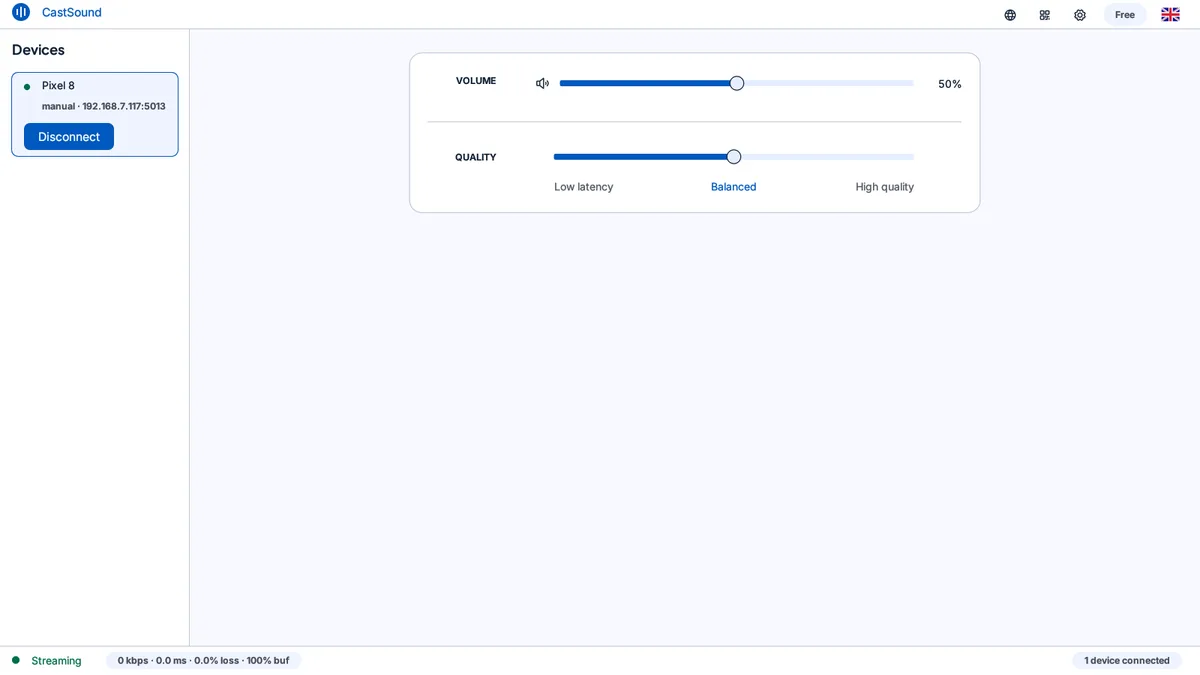
Choose the device you recognize
- Enable USB tethering or Personal Hotspot on your phone.
- Launch CastSound on your computer and phone; the app automatically recognizes the high-speed USB link.
- Connect with one tap to begin ultra-low latency streaming.
If the device is not listed, scan the code shown on the computer or enter the local address displayed by CastSound.
Use CastSound
Choose CastSound in the app you are using
Launch your favorite game or movie. Audio transmits with sub-10ms response time, completely eliminating audio-video lag. You can also enable your phone microphone for real-time Discord voice chat.
If you get stuck
Check these three things
- Your USB cable is a full data transfer cable, not a charge-only cable.
- USB tethering is active in your phone settings.
- CastSound is chosen as the active audio device in your game or operating system settings.
Still not connected? Try the USB tethering guide or contact support.